


Phone stolen abroad? You can do this
That phone, a love-hate relationship. You don't want to be without it, but sometimes having to (and wanting) to be online all the time drives you crazy, especially on holiday. But even more so, it is our greatest friend when traveling. Photos, photos and more photos for memory and sharing on the gram of course should not be missed. In addition to all that hobbying, it is also your best friend when it comes to planning routes and booking flights. Still find that one nice restaurant, make a reservation and look for fun activities. During holidays, your phone is practically indispensable and makes things a lot easier.
It's extra annoying if you lose it or if it gets stolen. For some, that can mean the end of a wonderful trip. Hence this article. Here you will find all the useful information about what you can do to get your phone back as quickly as possible phone has been stolen abroad.
This tip is for the Apple owners among us. iPhone has a handy function on the phones that allows you to remotely see where your phone is located and ensure that the thief cannot access your data. You must then enable 'Find my device' and the location in advance. It is therefore useful to check this and your settings before you go on holiday, otherwise you will be just a little too late. Oh yes, it is important that you have your Apple ID password at hand: this way you can log in on another device and check where your phone is.
There's also a 'Lost Mode' that you can enable for Apple phones remotely via iCloud.com. This will give you notifications from the live location and prevent the thief from doing anything with the phone. The only thing that can then be done with the device is calling or FaceTime.
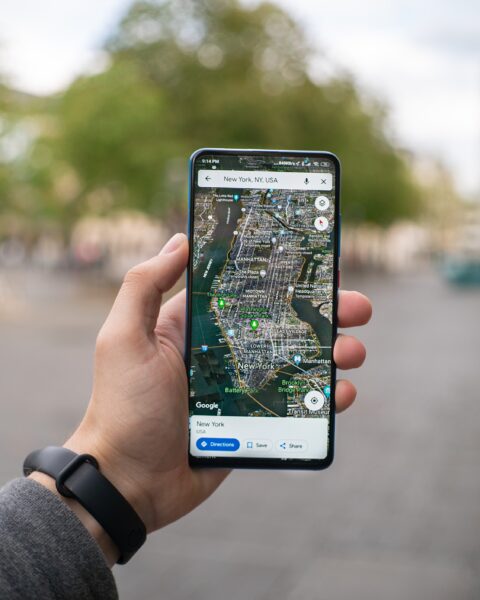
Android owners Don't worry, there is also hope for these phones if they are stolen. There are a number of conditions that you must meet if you want to receive a live location.
- First of all, your phone location must be turned on
- The 'Find my device' function must be activated
- One that you may not have thought about is that you need to be logged in to a Google account
- The phone must be connected to power, so if it is turned off it will be difficult
- In addition, the phone must be connected to mobile data sim only or Wi-Fi
- En last one is that the phone must be logged in to Google Play
So there are a lot of conditions, some of which you can arrange in advance and electricity is in good hands... But it is better that you have at least done everything you can do about it.
If your Android has been stolen and you have taken care of all the previous matters, you can log in to android.com/find via a laptop or PC and log in with your Google account. The stolen device will then receive a notification and the live location will become visible. In some cases you only get the most recent location and not the live location (take a screenshot of this after all). You can also choose to play a loud sound on the device. Handy, especially if you think the thief is still nearby.
Has your device really disappeared from the face of the earth? If there is a lot of sensitive information on it, you can choose to erase the device completely by clicking the “erase device” option. All data will then be erased from your phone. Be aware that 'Find my device' will also no longer work.


If your phone has been stolen, it is always important to go to the local police to report it. This way they know that you are the rightful owner if the device is found. This is also important if you are insured against theft, for example through your travel insurance. You need the declaration number if you want to make a claim for damages.
Do you have additional information such as screenshots of the last location? Always report this to the police. Hopefully your phone will be found quickly!



The backup function that many phones have is your best friend if your phone is stolen. Most have this function automatically, so as long as you don't turn it off, you can easily retrieve all your important information, which we like (especially when it comes to all those nice photos you took). On Android phones, these backups are made as long as you have not disabled this and you can find information such as call history, contacts, photos and much more in your Google account. iPhones also usually automatically back up data such as contacts, files and notes to iCloud. If you have backed up your iPhone in advance, you will also have access to photos and messages, among other things. Sometimes photos and videos are already in iCloud, so it's always worth checking if your phone is stolen.
Such a whole laundry list of tips. It won't be due to good preparation, but let's hope that you never have to use this list if your phone is actually stolen, just for good preparation.